
Why five minigames in a half-hour game
Helping Your Boyfriend is short. The English script runs to more than 8,000 words and a single run takes roughly half an hour, so you will finish it in one sitting — but you will not spend that half an hour reading. Five separate activities break it up, and those activities are where most first runs actually end. This guide exists because the failure rate of this game is almost entirely concentrated in about ten minutes of interactive play, and almost none of it sits in the 8,000 words.
The design is deliberate. The first activity, the doll disassembly, is tactile and slow: you point, click and drag with the mouse and pull an old teddy bear apart piece by piece into the bins. The last one is the opposite. The quick-time events ask for arrow keys and a spacebar, in the frantic sequences where the tension peaks and where most first runs fall apart. Between them sit three activities that each turn one small decision into a mechanic. The contrast between the warm, slow half and the cold, sudden half is the whole point, and the game does not soften it anywhere.
There is also a structural reason the activities matter more than they look. Five of the story's biggest decisions happen inside them: what you name the doll Adrian brings home, whether you swallow the pill, whether you can get the locked door open, whether you get the phone call right, and whether you survive the attack. Each of those is a branch, not a cutscene, and each of them leaves a flag behind that the script reads later. The game does not expose a difficulty selector in the data we extracted, so there is no menu setting to lean on. The pressure comes from the moment itself, and the only lever you have is preparation.
So here is the plan. Start with the full control reference, because most deaths in this game are control deaths. Then take the five activities one at a time, with the exact input each one asks for. Then cover the two habits that cost the most runs: skipping text you should have read, and carrying the previous screen's input into the next one.

The full control reference
The control scheme is small and unusual in exactly one place. Everything in ordinary dialogue is mouse or Enter. Everything inside an activity is something else entirely. That single split explains most of the deaths people report, so it is worth learning the whole table before you start rather than discovering it scene by scene.
| Action | Key |
|---|---|
| Advance dialogue and confirm choices | Left click / Enter |
| Point, click and drag during minigames | Mouse |
| Hide or show the dialogue box | Space |
| Open the dialogue history log | L |
| Toggle auto-play | A |
| Skip text already read | Hold Ctrl / Tab |
| Respond to quick-time events | Arrow keys + Spacebar |
| Open Save, Load and Settings via the bell | Click the bell at the top |
The bell at the top of the screen is the one control with no keyboard shortcut, so it is worth opening once early. Click it and you get Save, Load and Settings. Get used to where it sits and where the load slot list is, because on a second run you will want to load a save rather than replay an evening, and the bell is the only door to that menu.
Two more are worth calling out now, because they are the ones players forget and the ones that hurt: L for the dialogue history log and A for auto-play. Both are brilliant tools. Both are actively dangerous on a first run, for the same reason, and both get their own section below.
The one rule that catches everyone out
Space is the control that catches everybody, and it catches them for a good reason: it means two different things. In normal reading it hides or shows the dialogue box, which is a convenience key — the sort of thing you press once while you are looking at the artwork behind the text. During a quick-time event, the spacebar is the confirm key. Same physical key, opposite consequences. Press it to admire a background and you may be answering a prompt you never read, and if the sequence is already running, that mistake can take the run away from you.
The disambiguation is simple once you know to look for it. When a minigame or a quick-time event starts, switch input modality entirely. Do not keep clicking as if the dialogue were still on screen, and do not move your hand to the keyboard until the screen has actually changed. If the activity is a drag, the mouse is the only thing that matters. If the activity is a quick-time event, the arrow keys and the spacebar are the only things that matter. There is no reading, no choosing and no skipping inside an activity, and treating the activity like a conversation is the single most reliable way to lose.
Two habits make the switch automatic. First, rest your non-dominant hand on the arrow cluster and the spacebar from the moment the game says something is starting, so changing input is the lift of one finger rather than a scramble across the desk. Second, read the instruction line before you touch anything. Every activity shows its own instruction, and that line is the only thing telling you which of the two meanings of Space is currently in play.
The mistake that ends runs
Pressing space to admire the art during a quick-time event, and clicking through a prompt because the dialogue box was on screen a second ago. Both come from the same root: treating an activity like a conversation. The game will not warn you that it has changed modes. It will simply have changed.
Doll disassembly
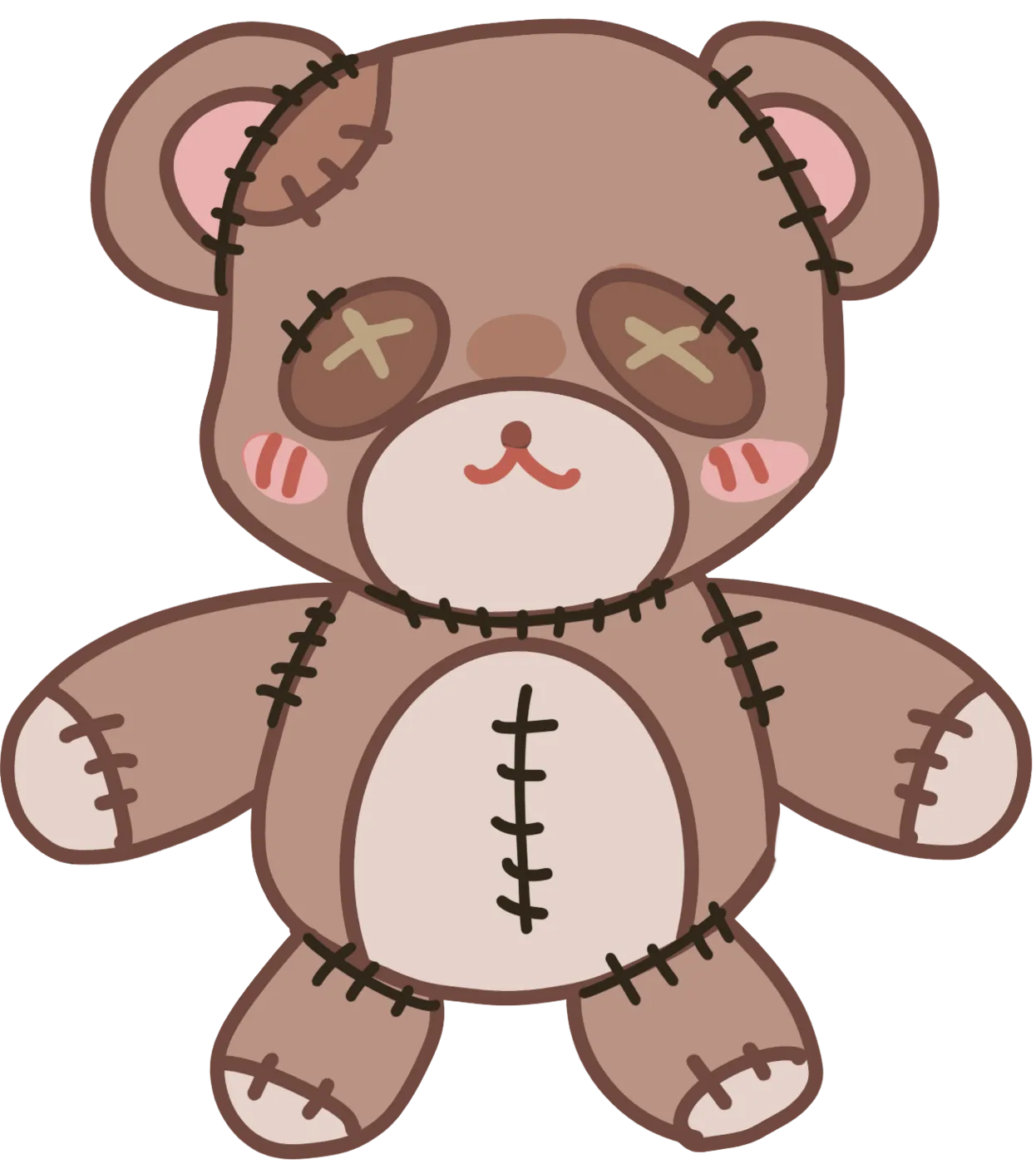
Where: Day 1 and the following nights. How: point, click and drag with the mouse, pulling the old dolls apart piece by piece into the bins. The teddy bear on the table is the first one. There is no timer and no fail state here, because this is not a challenge — it is a chore, and the game wants you to feel exactly how tedious and how intimate that chore is. You are alone in a room in someone else's house, doing something a doctor asked you to do, and it feels completely normal. That normality is the horror working underneath the whole first evening.
The teddy bear is the one to look at closely, and its eyes are the detail the game keeps pointing at. This is not an anonymous plush. Madison is an orphan Adrian talks about, abandoned at an orphanage at two and struggling to talk with the other children. She named the teddy bear Adrian made for her Macaroni and carries it everywhere. She is the emotional anchor of the doll job, and the first hint that these dolls have a purpose beyond Adrian's convenience. When you pull the bear apart on Day 1, you are handling something that belongs to a child the story has not properly introduced yet, and the game never lets you forget it.
Mechanically the activity is simple. Put the cursor on a piece of the doll, hold the mouse down, drag it over the correct bin, and release. The bins are the entire puzzle: pieces go where they belong, and the game is happy to let you take as long as you like. If a piece refuses to move, you have probably grabbed a cramped corner of it — move to a clearer edge and drag from there rather than pulling harder. Dragging in a straight, slow line also reads better than flailing the cursor around, because the game is generous with what counts as a successful grab but not with what counts as a dropped one.
Adrian brings home a green dinosaur and asks you to name it. There are exactly four options and the game records whichever you pick: O'Green, Jeff the dark-lord of the darkness realm, Diny the bed-watcher or Bob. It sounds like a throwaway bit of flavour and it is not. The naming happens on the same evening as the doll job, which is the point the game is making: you are already handling one child's toy before you have been told anything about where the others came from.
The pill
Where: Midnight 1 and Midnight 2. This is the only activity that is genuinely a timed decision, and the only one where the mouse and the keyboard both matter. The rule is the important part, and it is a rule rather than a reflex: a brief press reads, a held press confirms. Most players will never make that distinction until it costs them, because the instinct under pressure is to mash the button as fast as possible, and a fast tap only reads the option you are looking at. Hold it down instead. Do not tap, and do not double-tap.
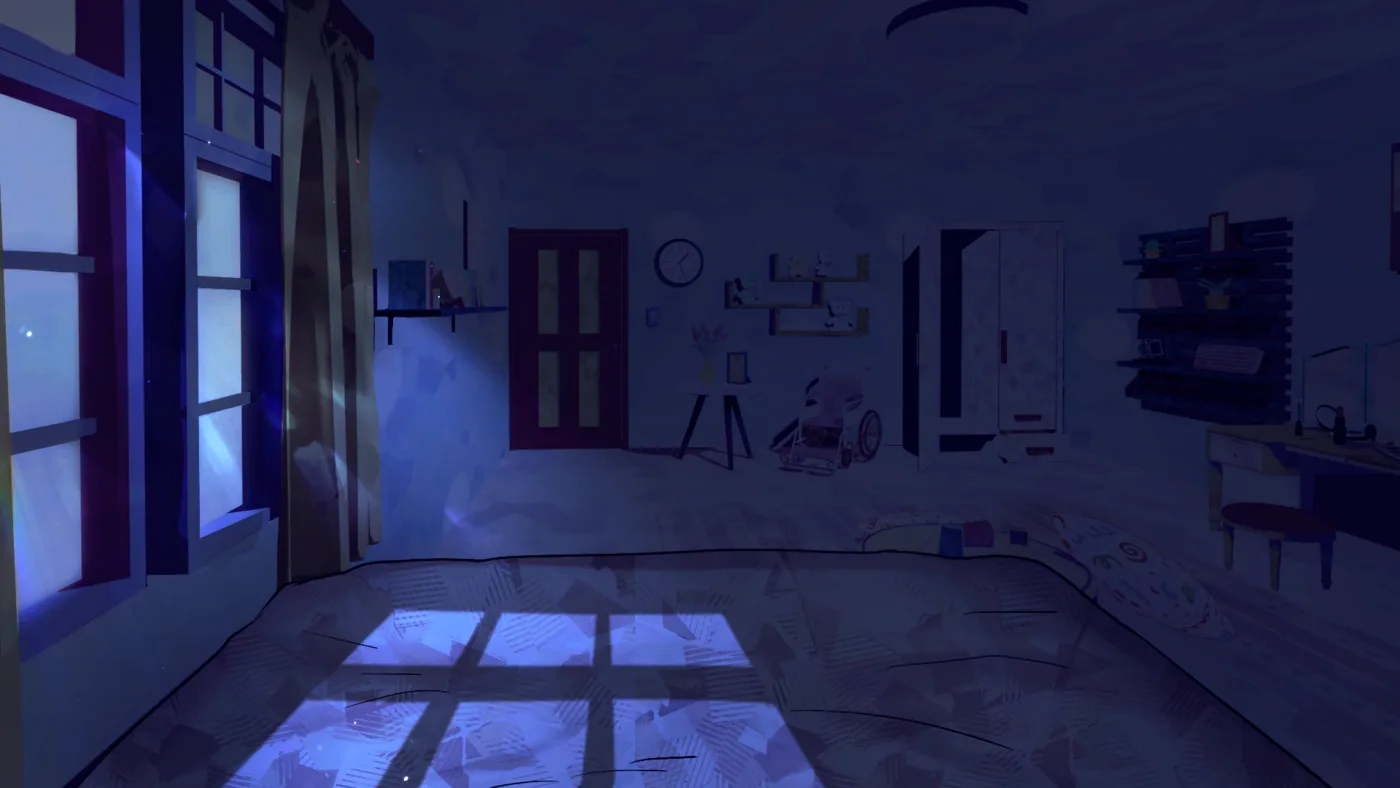
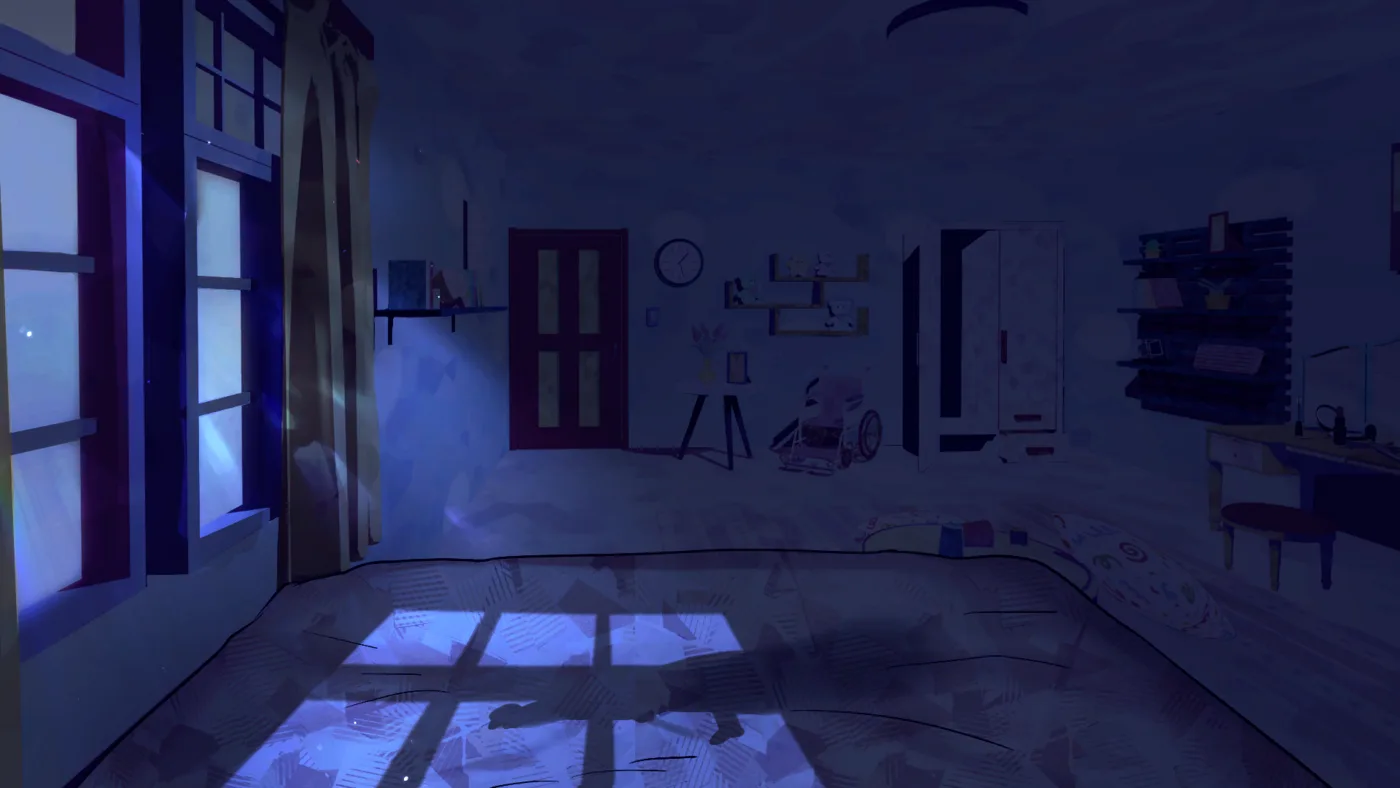
Here is what is actually happening. A weight settles on you in the dark, a man's shadow falls over the bed, a hand clamps over your mouth and a pill is held in front of your face. The scene's own labels are #OpenEyes, #Take, #Refuse and #Vanish. Taking it sets tookPill to true. Refusing sets tookPill to false and routes into the #Vanish label. Neither choice ends the run — refusing does not get you thrown out of the story, it sends you down a different path — but the game records what you did and reads that record much later.
The second visit is the one that changes the route. Midnight2 is reached from Day2Evening when you spit Adrian's pill out instead of swallowing it, which sets spatPill and turns the story away from Adrian's route. So the pill activity is not a mood piece; it is the hinge the whole story swings on, and it comes back a second time in a slightly different form. Treat Midnight1 as a taste of what is coming and Midnight2 as the choice that actually decides which half of this game you are in.
The basement
Where: after the locked door is opened. How: point-and-click in a dark, narrow space, and the hasKey flag opens the #KeyStub branch. So the dependency is exact: you cannot reach this activity until the locked-door sequence in the escape has resolved in your favour, and the key is what makes the branch open at all. If you are trying to work out why an object in the basement does nothing, check whether you are actually holding the key.
The space itself is doing most of the work. It is a narrow staircase down into the dark with a cold light at the bottom, and Adrian always said not to go down alone. The game does not make this a reflex test the way a quick-time event is a reflex test. It makes it a place where you click things, because clicking things is what you do in a room that frightens you. Expect to move slowly here. There is no reward for speed and the atmosphere is doing the job the mechanics are not.
What actually goes wrong in the basement is impatience rather than technique. Click every interactive object, and give things that look like scenery a fair chance: one click, then step away, rather than five clicks in the same spot. If a click seems to do nothing at all, check whether you are holding the key first, because hasKey is what opens the #KeyStub branch, and a room without that flag is a room with less in it. The full order of checks in the escape sequence, and where the key comes from, are laid out in the secret room guide.
The phone
Where: PhoneOutside1, after the escape. How: dial the right number. This is the only activity in the game that asks you to remember something instead of clicking something in front of you, and it is where a skipped line turns into a dead run.
Two digits of a phone number are written in ink on your arm, and they fade over time, but you remember two of them. You need those two digits to dial Oliver Freeman. The phone screen branches four ways: phoneTried when you try to dial a number, phoneCorrect when you dial the right one, phoneLeave when you leave the phone without calling, and oliverCallDropped when you drop Oliver's call. Dialling the wrong number gets you No signal, and that is the entire feedback system. The game will not tell you which digit was wrong, only that the number did not connect, and it will not give you the number anywhere else. It is on your arm, in fading ink, and that is the only copy.
So the whole activity collapses into one habit: when you see the digits on your arm, write them down. A phone number on a scrap of paper, in your own handwriting, is worth more to you at PhoneOutside1 than every other clue in the game combined. Keep it next to the address from the parcel, because you will need both within the same stretch of the story.
One more thing worth knowing: you are allowed to hang up. phoneLeave exists as a branch, which means the phone screen tolerates being abandoned. That does not make it a good idea. Oliver introduces himself on the phone as "Oliver Freeman speaking", and he is the one who stops Ian's syringe in the rain — he had been parked in the alley by Adrian's house, patrolling day and night because he suspected Adrian. Without his call, you never got out of the house at all, and the endings on the other side of it are the only ones where anybody is still talking to you.
Quick-time events
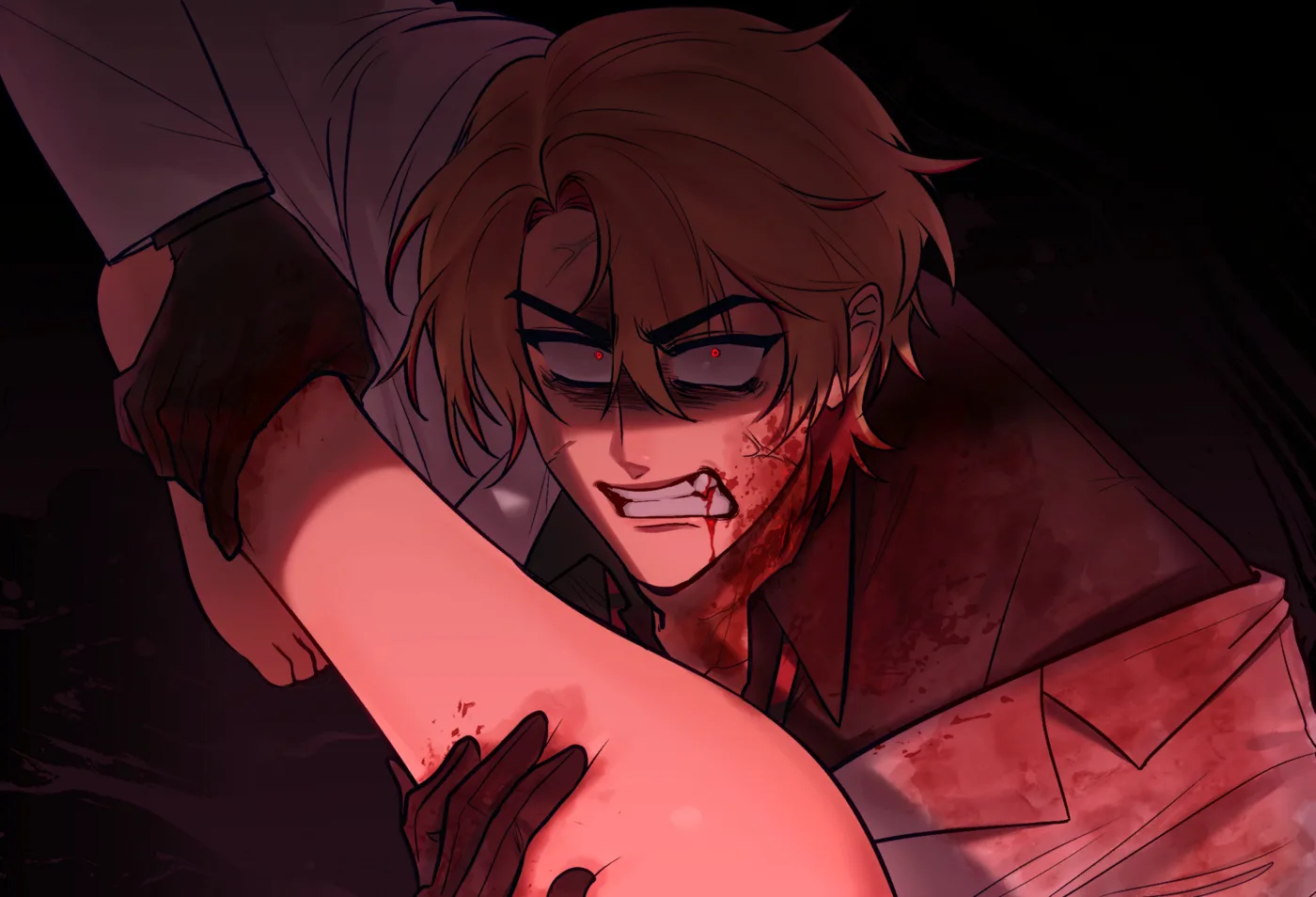
Where: the frantic moments, including the attack sequence. How: arrow keys plus the spacebar. These are the sequences where the tension peaks and where most first runs fall apart, and they are the only part of this game that asks for reaction speed rather than care.
The attack sequence is the biggest one. Day3_Act2 is the act two decision point and it splits on useKnife: with the flag set the scene routes to Attack1, and without it you go to ICanFixHim. Attack1 carries its own #A1_after label and leads into Attack2, which leads to FinishHim. The script also contains three game over variants, GameOver1, GameOver2 and GameOver3, which is how failure in the frantic stretches gets expressed. A missed input does not nudge the story along, it can take the run somewhere you did not want to go.
The practical fix is to fight the instinct to repeat. The game never asks for the same input twice in a row, and it will not ask for the same key twice in a row either. When a prompt calls for left, pressing left twice is a guaranteed miss. Watch the shape of the prompt rather than reacting to the sound of it, because the arrow you see is the arrow you need, and the sound is almost never a reliable guide to which one it is.
If you do fail, treat the failure as information rather than as a verdict. Look at which prompt you actually missed before you restart, because the run is cheap to repeat and the read is free. And if you want to know exactly which ending a particular failure pushes you onto, the endings guide has the routes mapped out flag by flag.
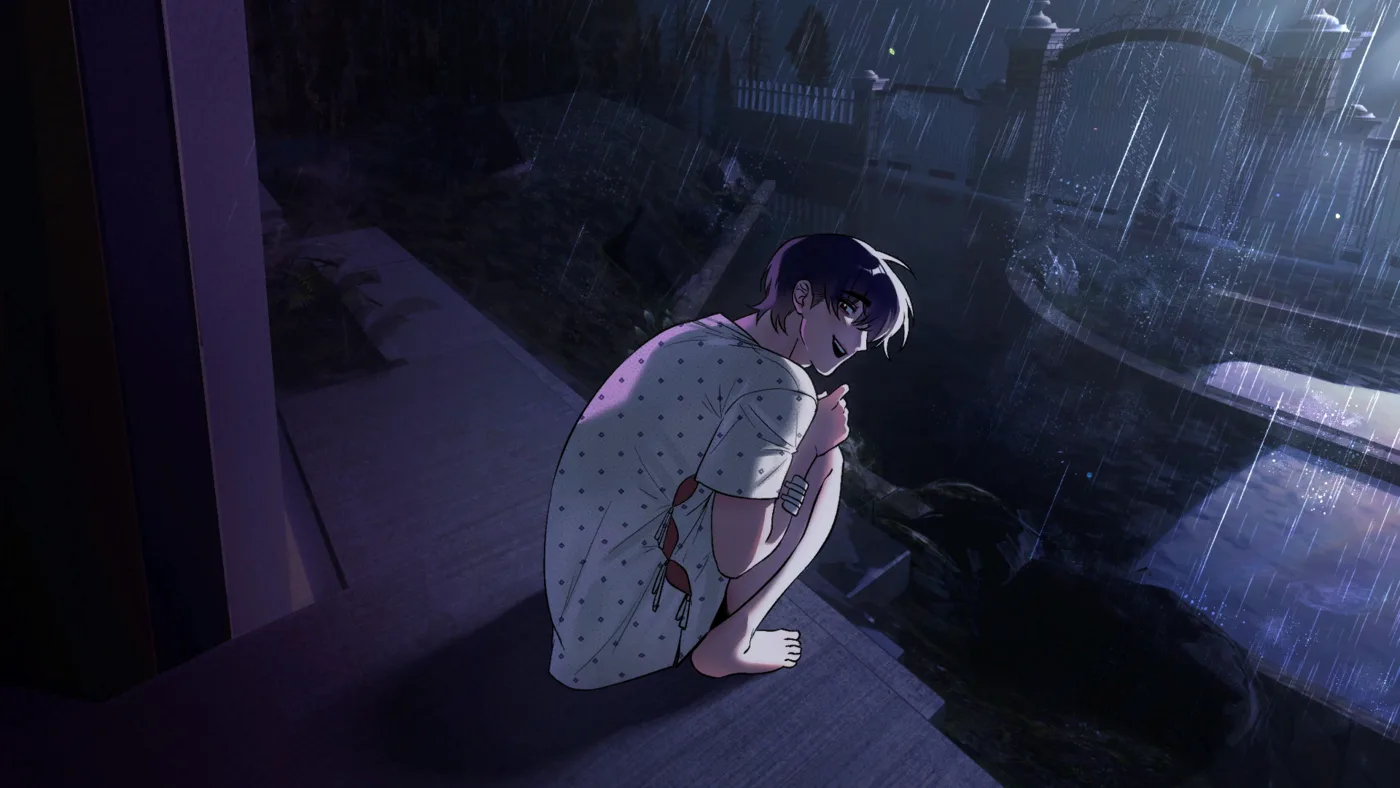
Read the prompt, do not muscle-memory it
Here is the single most common failure mode, and it is not a mechanical skill problem. It is carrying your input from the previous screen into the next one. Every activity in this game shows its own instruction line, and the game is not in the habit of repeating an input pattern — because it does not need to. The doll screen wants a mouse drag. The pill wants a held press. The quick-time event wants arrow keys and a spacebar. Three activities, three different input types, and the transition between them is where people fumble.
The rule that makes it click: after every screen change, spend a quarter of a second reading the instruction before you touch anything. Not the whole line, just the input it names. Then answer with that input and nothing else. Do not keep clicking as if the dialogue were still on screen, and do not press space to find out what space does this time.
A quieter version of the same mistake is doing the right thing too early. Players who learn that a quick-time event wants arrow keys will sometimes start throwing arrows the moment a scene turns tense, before the prompt is actually up. That does not help you, and in the wrong moment it will not be forgiven. Wait for the instruction line. It is the only reliable signal that the game has switched modes, and it is always there before the input matters.
The whole skill in one sentence
Read the instruction line, answer with exactly the input it names, and put your hand back where it was when the screen changes again. Nothing else about these five activities is as demanding as that, and doing it reliably will carry you to an ending on the first attempt.
Skip, auto and the history log — and when not to use them
The controls make it very easy to outrun your own story. Hold Ctrl or Tab and the game skips text you have already read. Press A and it plays itself. Press L and it opens the dialogue history log, which keeps what has been said so you can go back and read it properly. All three are excellent tools. All three are dangerous on a first run, and they are dangerous for the same reason: the clues this game depends on are delivered in ordinary dialogue, in the middle of a conversation, in exactly the places a skip key would eat them.
There are four clues you need, and every one of them is spoken rather than shown as an objective. The first is the two digits of the phone number written on your arm. The second is the address on the parcel Adrian brings home, 742 Silverwood Creek Lane, Silverwood Springs, CA 95401, which you have to give to Ian before the escape door will open at all. The third is the family photograph in Adrian's room: four smiling members, and the boy in the middle is Adrian, except his hair is black. The fourth is the newspaper headline in the living room, about a recent murder case, which you are interrupted before you finish reading. Skip past any one of those on a first playthrough and you are carrying a hole into the second half of the game.
Auto-play has the identical problem, with the added disadvantage that it takes the clicking away from you as well, so you cannot stop it at the moment a clue appears. The history log on L is the honest compromise: it skips nothing, it just lets you go back and check. Use it after the fact to confirm what you read, to recover anything you skimmed in a hurry, and to look up a scene name when you are checking a route against a guide. It is the safety net that makes skipping survivable rather than fatal — but only if you actually open it afterwards.
On a replay, all of this inverts. If you are chasing a specific ending, skipping and auto-play are exactly right: you have already seen the text, and the only thing you need is to reach the branch point. Hold Ctrl through the scenes you have read, let auto-play carry the quiet stretches, and stop skipping before the scene where the choice matters. The same key that ruins a first run is the best tool you have on the third.

First run or chasing an ending
Two very different jobs, two very different setups. If this is your first run, the game is a reading game with five interruptions, and the interruptions are where you will lose it. If you are chasing an ending you have not seen, the game is a set of decision points and you already know where they are. The table below is the short version of how to play each one.
First run — read everything
- Never hold Ctrl or Tab. On a first run most text has not been read yet, so there is little to skip and a lot to lose.
- Leave auto-play off. You want your own hand on the advance button, because nothing is highlighted for you.
- Write down the address the moment you see the parcel: 742 Silverwood Creek Lane, Silverwood Springs, CA 95401.
- Write down the two digits on your arm too, and copy them somewhere you will still have them later. They fade.
- Take the doll job slowly. The teddy bear is the first one, and it is the only place you handle this story's evidence with your hands.
- Watch the teddy bear's eyes. Madison named the bear Macaroni, and that is the thread the doll job hangs from.
- If a quick-time event ends the run, note which prompt you missed before you restart. The three game over variants mean a failure costs you a route, not a minute.
Chasing a specific ending
- Skip freely on text you have already read and let auto-play carry the dialogue. You are buying back time, not learning anything.
- Stop skipping at the branch scenes: Day2Evening, where taking Adrian's medication or spitting it out decides whether you stay on Adrian's route, and the answers that push Ian's affection upwards.
- Have the address ready to say out loud. The toldAddress flag is checked in the escape sequence and it is what separates Ending 02 from the escape endings.
- If you are going for Moving Forward, Ian's affection has to reach 40 or higher by the time the story leaves the house.
- Do not skip the exploration scenes. Explore has a parcel branch and a photo branch, and those are the clues that make the phone screen solvable.
- Keep the doll job and the phone even on a speed run. Neither takes long, and both can quietly fail a route.
Whichever run you are on, keep the history log within reach. It costs nothing, it breaks no tension, and it is the difference between "I think it said four" and knowing. The game is short enough that being wrong about a clue is never a small mistake.
Frequently asked questions
How many minigames are in Helping Your Boyfriend?
Five. They are the doll disassembly, the pill, the basement, the phone and the quick-time events. The doll disassembly comes on Day 1 and the following nights, the pill comes at Midnight 1 and Midnight 2, the basement comes after the locked door is opened, the phone comes in PhoneOutside1 after the escape, and the quick-time events are the frantic moments that include the attack sequence.
What controls does the game use?
Left click or Enter advances dialogue and confirms choices. The mouse points, clicks and drags during minigames. Space hides or shows the dialogue box. L opens the dialogue history log. A toggles auto-play. Holding Ctrl or Tab skips text you have already read. Arrow keys plus the spacebar respond to quick-time events. Clicking the bell at the top opens Save, Load and Settings.
Why do I keep failing the quick-time events?
Because the input changes completely between screens. The quick-time events ask for arrow keys plus the spacebar, while the rest of the game is mouse-driven dialogue, and the game never asks for the same input twice in a row, so repeating the key you just pressed is the most common way to fail. Read the prompt on screen and answer it with the keys it names.
Does the spacebar always do the same thing?
No, and this is the control that catches everybody. Space hides or shows the dialogue box during normal reading, and the spacebar is also the confirm key during quick-time events. Pressing it while you are admiring a background can cost you a run, so wait until the activity has actually started before you touch the keyboard.
Can I skip dialogue on my first playthrough?
Not without losing things. Holding Ctrl or Tab skips text you have already read, so on a first run there is very little to skip, and auto-play has the same problem, because the clues that decide the second half of the game are delivered in ordinary dialogue. They are the two phone digits written on your arm, the address on the parcel Adrian brings home, the family photograph in Adrian's room and the newspaper headline in the living room. The dialogue history log on L is the safe way to check what you read.
How do I get the phone call right?
Two digits of a phone number are written in ink on your arm and they fade over time, but you remember two of them. Write them down when you see them, because the game gives you no other copy of the number. Dialling the wrong number gets you No signal. The phone screen branches on phoneTried, phoneCorrect, phoneLeave and oliverCallDropped, and the call you want is the one to Oliver Freeman.
How do I reach the basement activity?
The basement comes after the locked door is opened. In the escape sequence the checks run in order: if you have tried the living room door you go to the exit, if you are holding the key you get the key door, and otherwise you are put back into the click loop. Once you have been inside the secret room behind the locked door, the sequence moves on to the phone outside. The basement itself is point-and-click in a dark, narrow space, and the hasKey flag opens the #KeyStub branch.
Does the game have difficulty settings?
Not in the data we extracted. The game does not expose a difficulty selector in its script, so the pressure comes from the scene itself rather than from a menu. The only things you control are whether you read the instruction line on each screen and whether you switch input type the moment an activity starts.
What happens if I fail a quick-time event?
The script contains three game over variants, GameOver1, GameOver2 and GameOver3, so a failure in the frantic sequences can take you out of the route you wanted rather than simply nudging you forward. The attack sequence is the big one: Day3_Act2 routes to Attack1 when useKnife is set and to ICanFixHim when it is not, and Attack1 leads through Attack2 to FinishHim.